
Temperature Monitoring for Restaurants and Cold Storage
Continuous environmental monitoring can help restaurants, grocers, commissaries, and food distributors identify cold-storage exceptions earlier and retain a clearer condition history. Its role must be defined carefully: environmental readings support a food-safety program, but they do not by themselves prove that a product is safe or replace required product-temperature checks, handling procedures, or corrective-action decisions.
Distinguish the Environment from the Food
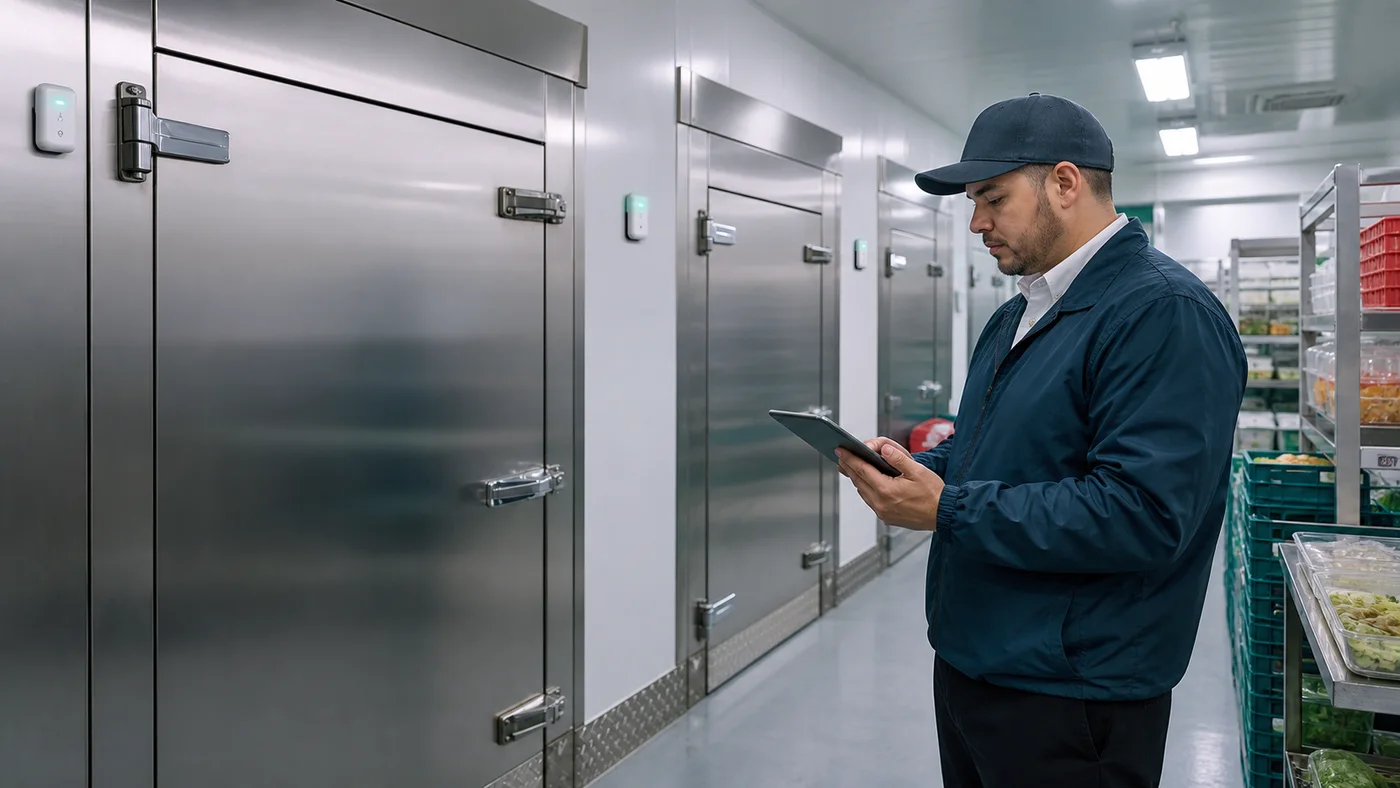
A sensor in a refrigerator, freezer, walk-in, or cold room measures conditions at its placement point. It does not directly measure the internal temperature of every food item. Airflow, door openings, load density, packaging, and sensor location can all influence the reading.
- Use an appropriate food thermometer or approved product-testing procedure when internal product temperature must be verified.
- Define whether each monitoring point represents equipment air, a storage area, a container, or another selected measurement target.
- Follow the product specification, operating procedure, and requirements adopted by the applicable jurisdiction.
Map Storage and Handling Before Placing Sensors
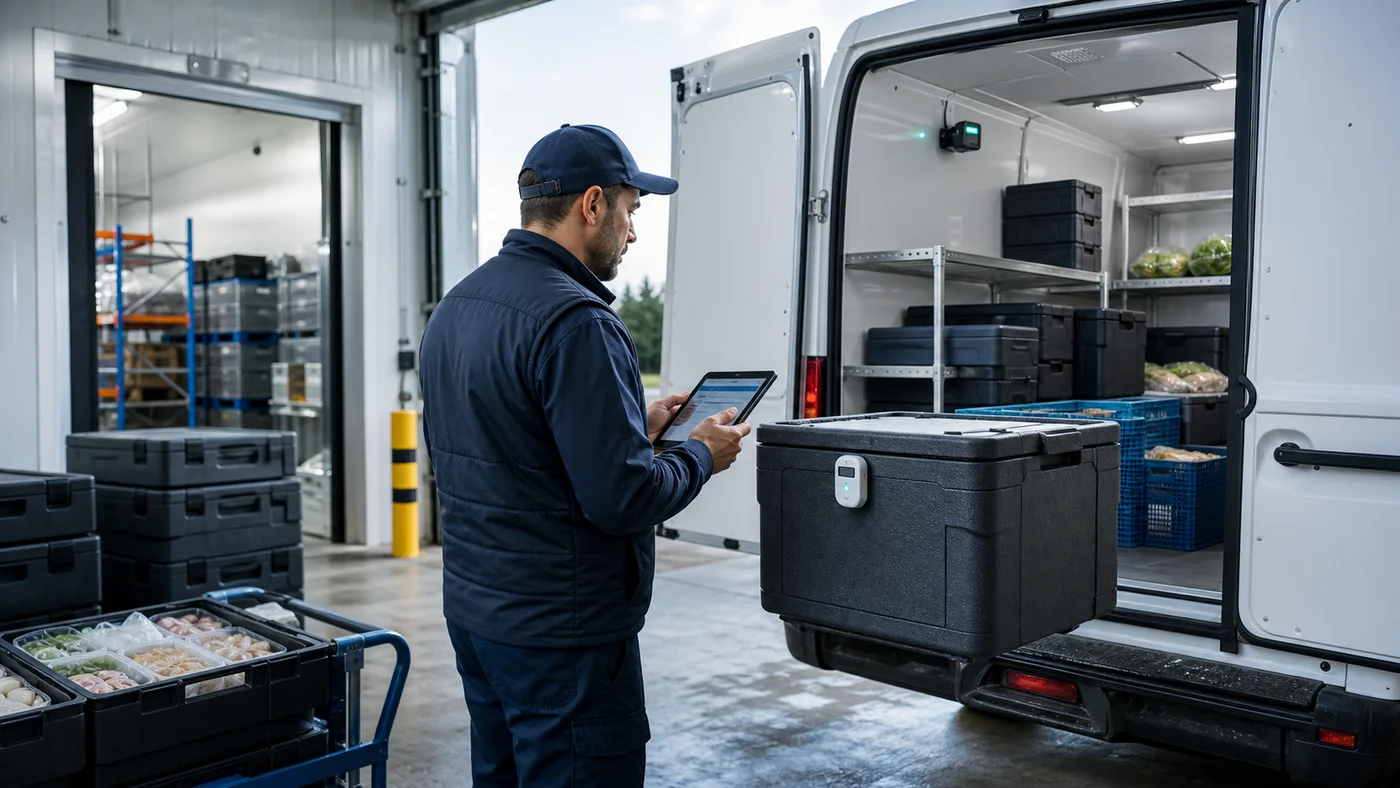
Start with the operating path: receiving, cold storage, preparation or staging, dispatch, and any controlled handoff. Assign a clear identity to each monitored refrigerator, freezer, walk-in, cold room, or staging area so a reading can be understood in context.
Observe a representative operating day: service, replenishment, cleaning and defrost. Compare the proposed placement with an appropriate reference method and document how normal variations should be interpreted before setting alert rules.
- Review door locations, evaporators, warm and cold spots, loading patterns, and routine cleaning or defrost cycles.
- Select sensor placement and logging intervals through a site review and validate them under normal operating conditions.
- Include the equipment and shifts most likely to expose gaps before expanding the deployment.
Define Thresholds as Operational Rules
Configure thresholds, delays, and excursion durations around the selected food, equipment, operating procedure, and applicable requirement. A brief door opening and a sustained equipment failure should not automatically produce the same workflow.
- Document who owns each threshold and why it was selected.
- Use delays or persistence rules where appropriate to reduce nuisance alerts without hiding meaningful events.
- Treat an alert as a prompt for assessment—not an automatic determination that food is safe, unsafe, releasable, or disposable.
Connect Every Alert to Corrective Action
An alert creates value only when the response is clear. Identify who receives it, how it is acknowledged, when it escalates, what must be checked, and how the resolution is recorded.
- Verify equipment status and, when required, product temperature using the approved method.
- Record the observed condition, action taken, responsible person, and disposition decision under the organization’s procedure.
- Use automated notifications to support—not replace—routine inspections, maintenance, training, and food-safety controls.
Build a Reviewable Condition History
Useful history connects timestamped readings to the correct equipment or area and preserves the context needed for review. Include alerts, acknowledgements, battery and connectivity status, and visible data gaps so teams do not mistake missing data for normal conditions.
Ask to see the records available in the selected configuration. Confirm access permissions, export formats, retention, sensor replacement and how a new sensor remains associated with equipment history. If acknowledgements or corrective actions must be recorded, verify how that will happen and which system will retain them.
- Review recurring excursions by equipment, shift, door activity, or workflow step.
- Use exports and records according to the organization’s retention and review procedure.
- Escalate unexplained data gaps rather than assuming the monitored condition remained within range.
Compare Monitoring Systems for Your Refrigeration Setup
Evaluate the complete system around your refrigerators, freezers, or walk-ins. Ask the supplier to demonstrate the path from sensor reading to gateway, platform history, and the alert your staff would receive.
Compare the available thin-profile and rugged sensor options against the equipment, mounting, cleaning and operating conditions. The selected configuration determines measurement and maintenance requirements; do not assume every model has identical capabilities.
- List the equipment, monitoring points, and site connectivity so the proposed coverage can be checked in the actual environment.
- Ask what happens when a sensor or gateway loses its connection and how missing readings are shown.
- Confirm the supported alert channels, who receives them across shifts, and how the team reviews the event history.
- Compare hardware, platform access, setup, ongoing support, and any recurring charges within the same deployment scope.
Test Interruptions and Stale Readings
A last normal reading does not prove conditions stayed normal after power or connectivity was lost. Ask to see the age of the data and how a current reading is distinguished from an interruption. Confirm each component’s behavior before relying on the history.
- How are a silent sensor, a disconnected gateway and a power interruption reported?
- Does this selected configuration buffer readings during an interruption? If so, what are its limits and how does backfill work?
- Which manual procedure should staff follow while data is missing, and who verifies recovery?
Validate the Workflow in a Pilot
Choose representative equipment and operating periods, establish the current manual process as a baseline, and test sensor placement, coverage, logging intervals, alert behavior, escalation, and reporting. Useful pilot measures include event detection time, acknowledgement time, usable history coverage, nuisance-alert rate, unresolved data gaps, and manual logging effort. The FDA Food Code is a model used by jurisdictions to develop their own rules; confirm the requirements that apply at the site.
Define acceptance criteria before starting: usable history coverage, alert detection and delivery, ownership across shifts, interpretation of missing data and access to records. Use approved tests that do not put food at risk. FDA publishes the 2026 Food Code as a model for jurisdictions to adopt; confirm the edition and requirements applicable to your establishment.
Reliable temperature monitoring does not replace a food-safety program; it gives teams earlier, reviewable evidence to support the next operational decision.
A credible food-safety monitoring program starts with the right measurement target and ends with a defined human response. SNAPTAG can provide environmental visibility, alerts, and condition history around the selected workflow, while the operator and its qualified food-safety personnel remain responsible for procedures, required checks, and product-disposition decisions.
Sources & Further Reading
Authoritative references used to frame this guide. Confirm the requirements that apply to your operation and jurisdiction.
- Food Code 2026U.S. Food and Drug Administration
- Adoption of the FDA Food Code by State and Territorial AgenciesU.S. Food and Drug Administration
- Refrigerator Thermometers—Cold Facts about Food SafetyU.S. Food and Drug Administration
- Food ThermometersUSDA Food Safety and Inspection Service
Apply This Guide to Your Operation
Discuss the environment, workflow, conditions, and success criteria you need to validate.
Estimate Food Waste & Safety ROIRequest a Temperature Monitoring Pilot