
QR links and usage counts: what the numbers mean
Three things happen at different points: a QR address is opened, its destination or public card is served, and someone may take an action there. SNAPTAG counts certain tag-open requests. Those counts are useful for checking activity, but they do not measure every later step.
Separate the encoded address from its destination
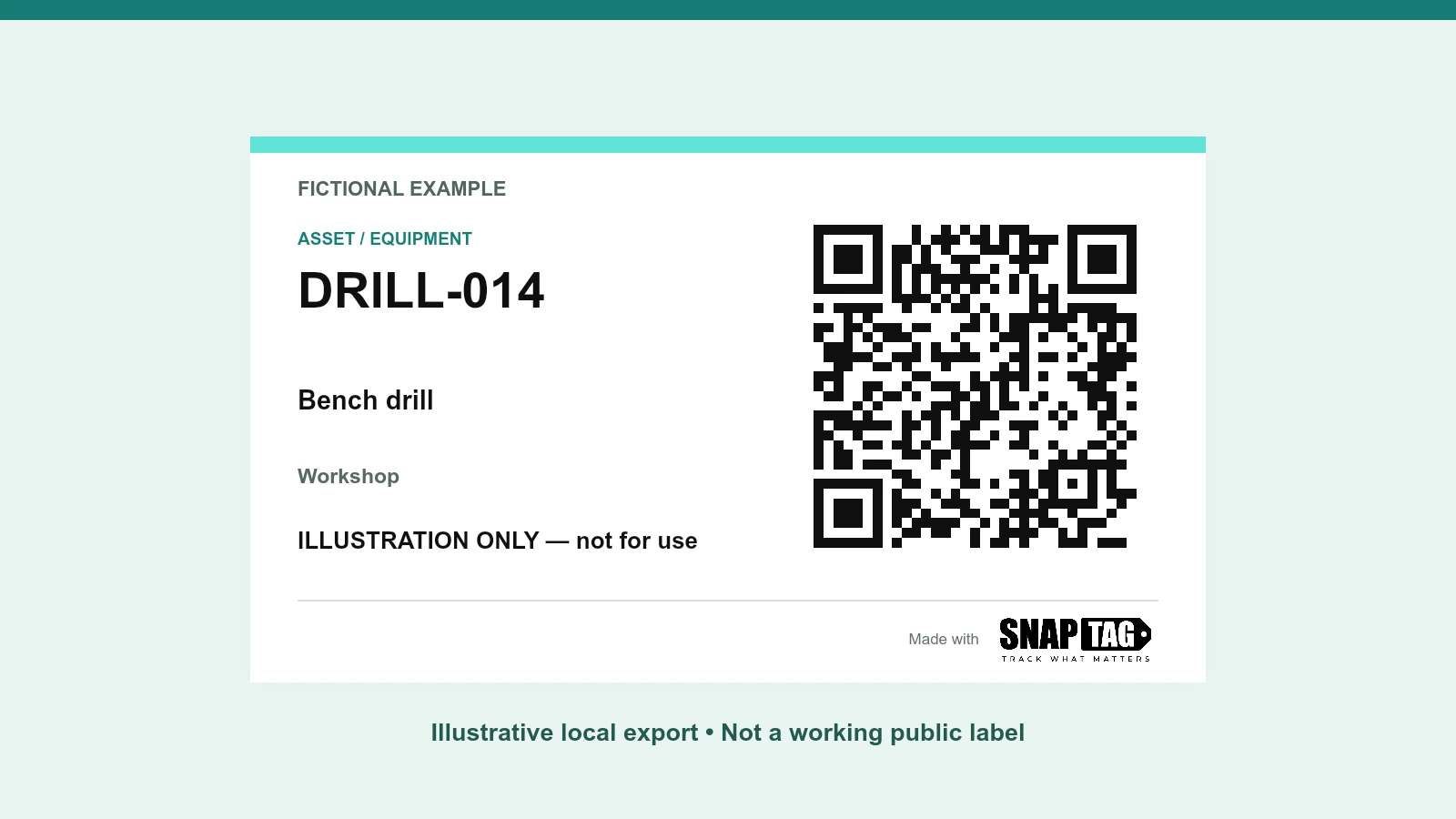
The code contains a managed SNAPTAG address beginning with /t/. For an active code with an external destination, SNAPTAG returns an HTTP 302 redirect to that saved address. For an asset without an external URL, it serves a public asset card. The exported register shows the Tag URL and Destination link separately.
A redirect status describes HTTP behavior; it does not promise an editable destination. The current tool creates fixed destinations and has no destination editor. Both the managed service and the destination need to remain available.
Know which request is counted
The service looks up the tag, verifies that it is active and validates the destination or card. For a GET request, it then attempts to record an open before sending the redirect or card. A HEAD request does not increment the count; missing and disabled tags do not count as successful opens.
- Repeated requests, your own tests, automated link previews and bots can contribute.
- The counter is best effort: a counter write failure does not necessarily stop the destination from opening.
- One person can create several requests, and an automated request may involve no person. The number is not a count of unique visitors or camera scans.
Read daily and cumulative totals differently
The private statistics view returns daily buckets for the most recent 90 UTC dates and a stored cumulative total. The cumulative total can include older activity. A tag can record at most 10,000 opens per UTC day; additional requests beyond that cap are not added to its statistics. Disabling a tag deletes its statistics, so those requests are no longer available in that tag history.
| Observation | Supported interpretation | Not established |
|---|---|---|
| 12 recorded requests | The service recorded 12 qualifying requests. | 12 people, customers, submitted forms or completed jobs. |
| Requests on two dates | The tag had recorded activity on two UTC dates. | That the same person returned. |
| Zero recorded requests | No recorded opens are shown in the available history. | That the label was never seen, printed or attempted. |
Use the destination system to confirm outcomes
For a feedback form, inspect the form provider’s submissions. For equipment work, review the work order or inspection record. Opening a maintenance form and submitting it are different actions. If you compare label activity over time, keep test dates and changes to placement or destination content in your own notes.
When activity is lower than expected, check whether the physical code scans, the destination opens on a phone, and permissions allow the intended users through. Also check whether the label is visible and its instruction is clear. Remember that your troubleshooting opens can add to the counter.
Keep creator access separate from scanner identity
The creating browser receives a secure HttpOnly management cookie, restricted to the QR management API and configured with SameSite Strict. Its expiry is one year from the latest create response. It authorizes that browser to view private counts and disable its codes; it does not identify people who open the QR.
- Use the same browser profile to manage a code. Clearing the management cookie loses that access. The current tool has no account recovery flow.
- The export register contains the tag addresses, not the private management secret. Reimporting or keeping the CSV does not restore management access.
- The QR service does not set scanner cookies or collect scanner fingerprints or precise location for these counts. Hosting-provider security logs are separate and may contain IP addresses.
Check the complete path before relying on a label
Open the tag, confirm the final page or asset card, and complete an approved test of the intended action in its own system. Record the result separately from the request count. This gives you an operational acceptance check without treating traffic as evidence of completed work.
A recorded tag-open request is evidence that an address was requested, not proof that a person completed the intended task.
Use request counts as a modest activity signal alongside physical checks and destination records. They are most useful when the unit, retention window, test activity and missing outcome measurements are explicit.
Sources & Further Reading
Authoritative references used to frame this guide. Confirm the requirements that apply to your operation and jurisdiction.
- HTTP Semantics: 302 FoundIETF · RFC 9110
Put the guide into practice
Prepare one example, check the result, and expand after validating each step.
Open the free QR kitCheck your equipment labels