
Choosing Asset Location Tracking for Indoor and Outdoor Workflows
Start with the question your team needs to answer: which room contains a cart, whether an item reached dispatch, or where a vehicle is on a route. Indoor Bluetooth zone tracking and outdoor GPS-based location solve different parts of that problem. A useful selection compares coverage, update timing and operating effort before promising a level of precision.
Define the location decision first
Write a short statement for each workflow: “find the cart’s current zone,” “flag an item waiting at dispatch,” or “review a vehicle’s route.” Specify how old a reading can be before it stops being useful. A screen should distinguish a current observation from last-seen information and unavailable coverage.
| Need | What to validate |
|---|---|
| Room or operational zone | Correct zone assignment, boundaries, transitions and stale readings. |
| Specific position within a work area | A suitable positioning method, infrastructure and site-tested resolution. |
| Outdoor route context | Supported location-enabled hardware, satellite reception and data connectivity. |
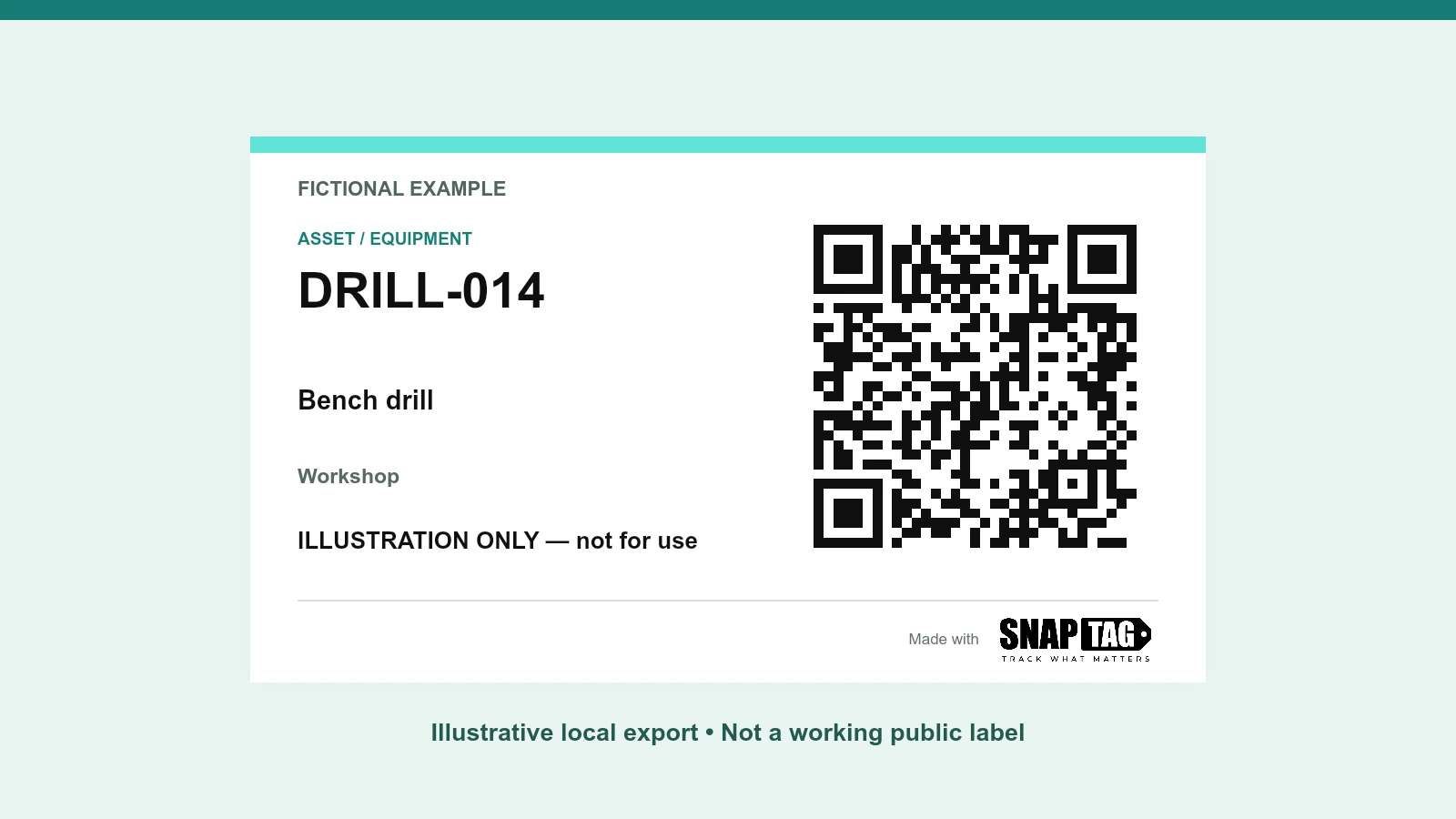
| Manual equipment identification | A readable QR label and the correct destination; no automatic location sensing. |
Use indoor BLE around tested coverage
Bluetooth supports a range of proximity and positioning approaches; “Bluetooth tracking” does not name one universal accuracy level. SNAPTAG Zones is intended for room or operational-zone visibility with planned coverage, movement history and configured events. Map the rooms, doors, staging areas and handoffs that matter before choosing gateway placement.
- Include nearby zones where a mistaken assignment would change the team’s action.
- Test representative tags, attachment positions, asset materials and normal activity in the space.
- Agree what counts as a transition or dwell event and how missed or delayed observations appear.
Treat GPS as an outdoor reception question
GPS.gov identifies blocked signals, indoor or underground use and reflections from buildings as factors that degrade positioning. An outdoor GPS result therefore does not guarantee room-level indoor location. Test the actual routes, loading areas and transitions where a vehicle or gateway will operate; inspect the timestamp as well as the map position.
If the workflow needs continuity from a building to a route, identify which technology supplies each part and how the handoff is represented. Do not assume that one map pin proves continuous coverage of every tagged item.
Separate cellular connectivity from location
Cellular connectivity carries data; it does not by itself prove that an asset has a GPS receiver. In a supported configuration, a location-enabled gateway can provide route context alongside monitored conditions. Confirm whether the reported position belongs to the vehicle or gateway and how each asset is associated with it. A BLE temperature sensor should not be described as an outdoor GPS tracker unless the selected hardware actually provides that capability.
Compare the infrastructure and ongoing work
Ask for a scoped design that lists tags, gateways or positioning anchors, power, network connectivity and platform access. Include installation, attachment, replacement, support and any recurring charges in the comparison. These are procurement questions to verify in the proposal, not features to assume are included.
- How frequently is location observed and delivered, and what affects that timing?
- What happens when power, reception or the data network is unavailable? Is any buffering or later backfill supported in this exact configuration?
- How are stale locations, missing assets and uncertain zone assignments shown?
- Who maintains batteries, attachments, gateway connectivity and asset-to-tag records?
Measure a representative pilot
Choose a small set of assets and routes that includes difficult boundaries and normal working conditions. Record independent ground truth: where the item actually was and when it moved. Compare observed zones or positions with that record. Track missed transitions, incorrect assignments, stale observations and the effort needed to investigate them.
Agree acceptance criteria before the pilot: useful history coverage, time to find an asset, handoff visibility, and the maximum delay acceptable for the decision. Report failures and excluded areas as well as successful checks. There is no universal precision or battery-life guarantee across all installations.
Add temperature or QR identification for a separate need
Temperature monitoring adds condition history; it does not prove location accuracy. Where both are needed, validate each measurement and their association in the selected combined configuration. A QR label can help someone identify an item or open its record manually, while radio-based location requires the relevant tags and infrastructure.
Choose the location information that changes an operational decision, then test whether the system delivers it where the work happens.
Choose the smallest system that provides useful, timely evidence for the required decision. Use the pilot to establish coverage and limitations before extending the deployment.
Sources & Further Reading
Authoritative references used to frame this guide. Confirm the requirements that apply to your operation and jurisdiction.
- Location ServicesBluetooth SIG
- GPS AccuracyGPS.gov
Define a location pilot around your workflow
Bring the asset types, indoor zones or routes, required update timing and decisions you need to support.
Discuss a scoped location pilotExplore SNAPTAG Zones